Find your flow.
Untangle the process. Map the data. Make the connections a little easier to see.
Explore Flowcharts Give a node a little nudge.
Draw the system. Build a document with charts, tables and images. Read it like a book, share it on your terms, and give your team a little room to create.
Some ideas need a diagram. Some need a document. The best explanations usually need a little of both.
Untangle the process. Map the data. Make the connections a little easier to see.
Explore FlowchartsA resume, a paper, a project report. Give the details a beautiful place to come together.
Explore DocumentsSource first. Structure when you need it.1\documentclass{article}2\usepackage{graphicx}3\begin{document}4\section{The big picture}5Good ideas deserve a little context.6\includegraphics[width=\linewidth]7 {images/system-diagram.png}8\end{document}
A good explanation connects the details. Add your context, bring in your images, and give the whole project a little room to grow.
Make it clearer. Give it a shape. Let the right people in. A few thoughtful tools, from your first draft to their first read.
A little structure makes room for the interesting parts. Your thoughts, together on a page.
Turn your PDF into a book you can actually turn. See facing pages, frame a special page with a border, and jump straight back into editing.
The messy part should be the brainstorming.
We help with everything that comes after.
Sketch your system, link a diagram to your LaTeX document, and keep the explanation close to the idea.
Upload images and supporting files, organize them into folders, and use their paths directly in your PDF source.
Collaborate live on diagrams and your main document. Invite editors or viewers, then share what you’ve made.
ATS-friendly resumes. IEEE-style research papers. Reports, proposals, books, and more. Browse freely; sign in when you’re ready to make one yours.
Modern sans-serif, left-aligned header, ruled headings and technical skills.
IEEE's conference template with six author blocks and two-column formatting.
Requirements, architecture, interfaces, and tests.
Classic serif book with a formal title page, contents, and readable chapters.
Your work grows from a few connected thoughts into something other people can understand and build on.
Start a flowchart or choose a document template. You don’t need a fully grown idea.
Arrange your thinking, bring in the files, and invite a few more brains to help.
Compile the document or export the diagram. Share the story behind your next big thing.
A little guidance for your first project. Your tiny-armed assistant is right here with you.
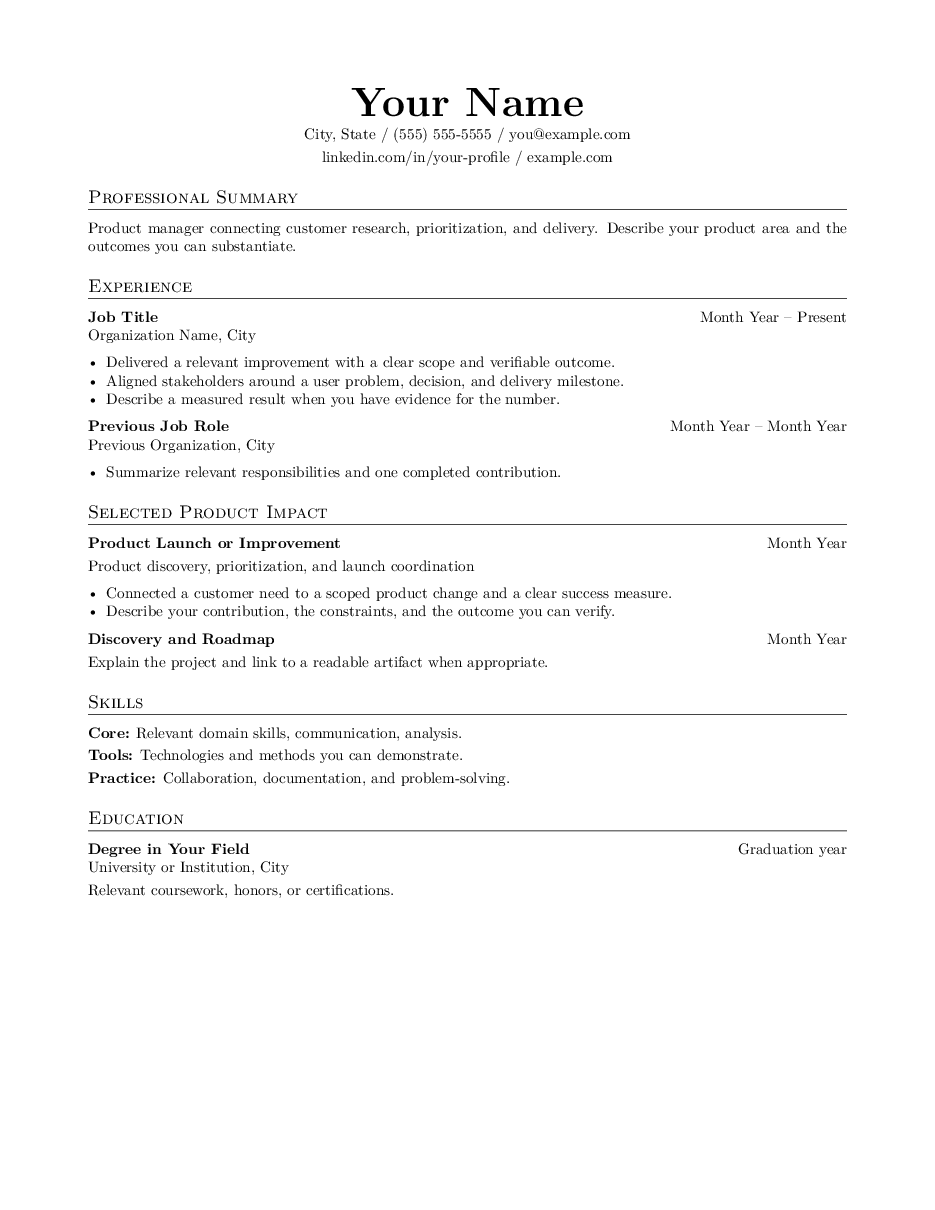
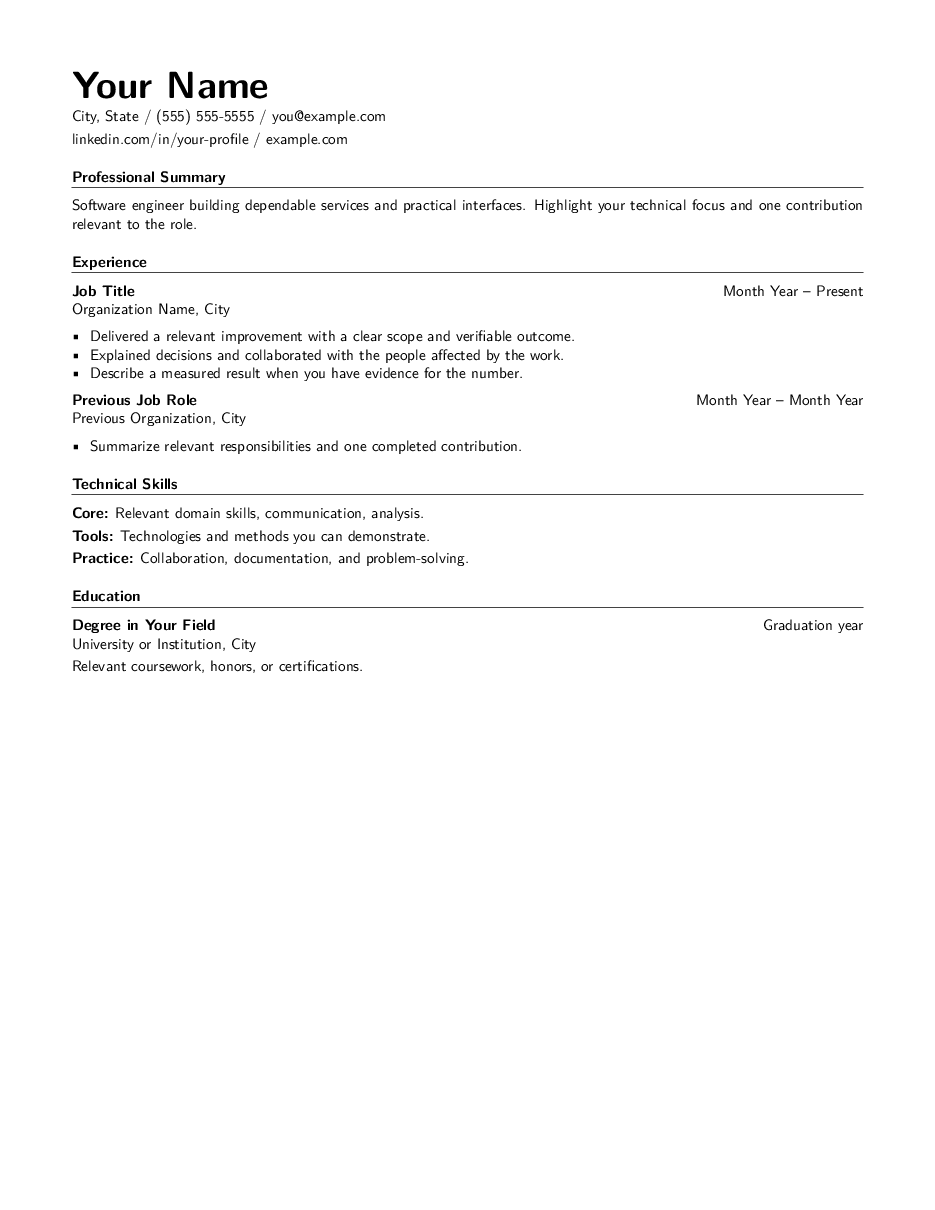
Compare real layouts within a category. Different type, hierarchy, spacing, and structure. The preview comes from the exact template source.
Inspect this design Left-aligned. Technical. Clear.
Inspect this design Centered. Editorial. Impact first.
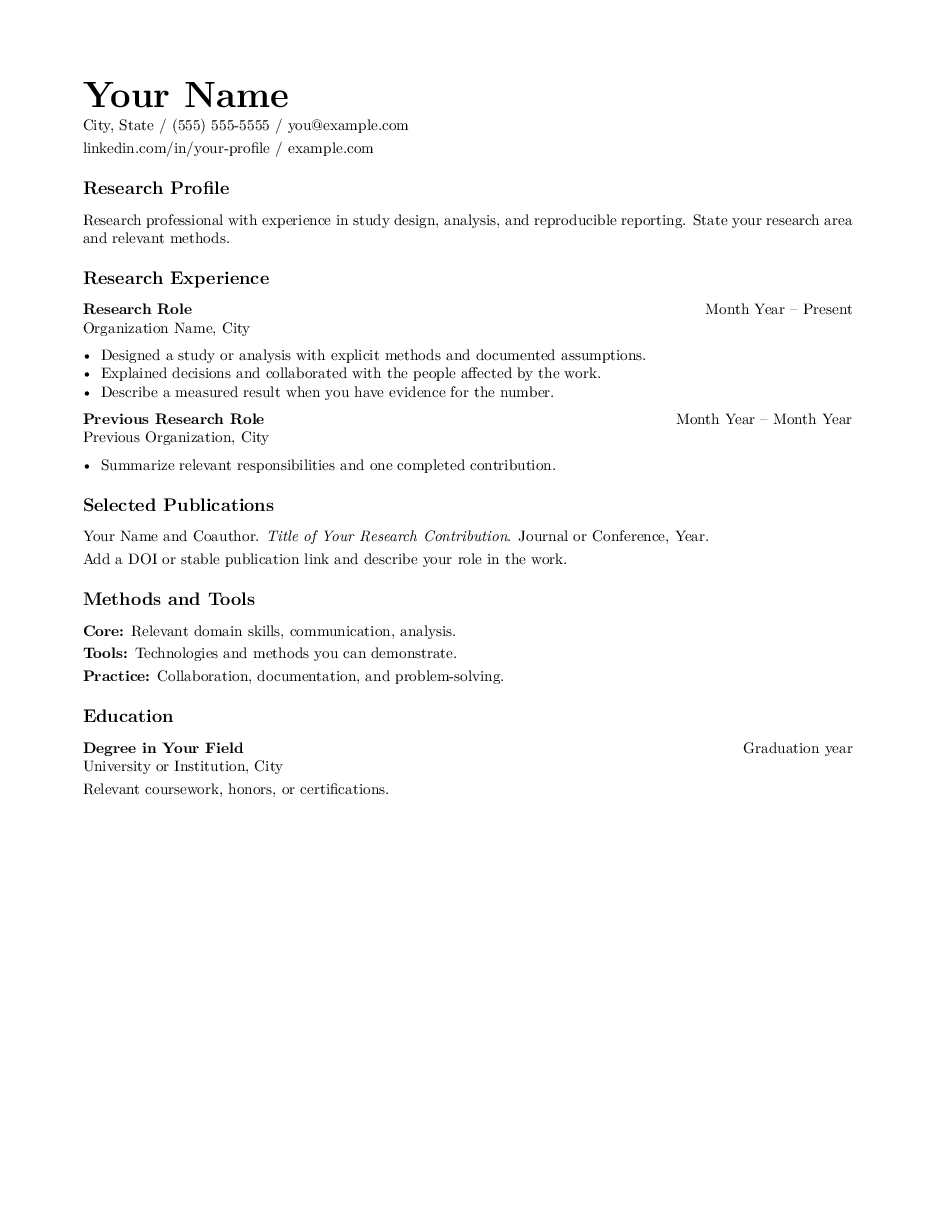 Inspect this design
Research, methods and publications.
Publishing a paper? IEEE and journal templates preserve their prescribed class formatting. Inspect the IEEE conference template
Make a group for the people you work with. Share a document or diagram once, choose viewer or editor access, and let the whole herd find its place.
Good things to know before your first project.
Yes. Browse templates, open their real compiled PDF pages, zoom in, and inspect the LaTeX source. Sign in when you choose a template to edit and save.
Open Project files, upload the image, and insert its reference into your LaTeX. Keep figures and supporting files in folders, then compile to check their placement.
Yes. Use Select area or select individual shapes. Open Export and choose Download selection as PNG or PDF.
Create a group in your workspace and add teammates with existing accounts. In a project you own, choose Share, select the group and choose Can view or Can edit.